Connection Guide Download the “Hingmed Health” application
Last updated: 24 Nov 2025
1053 Views
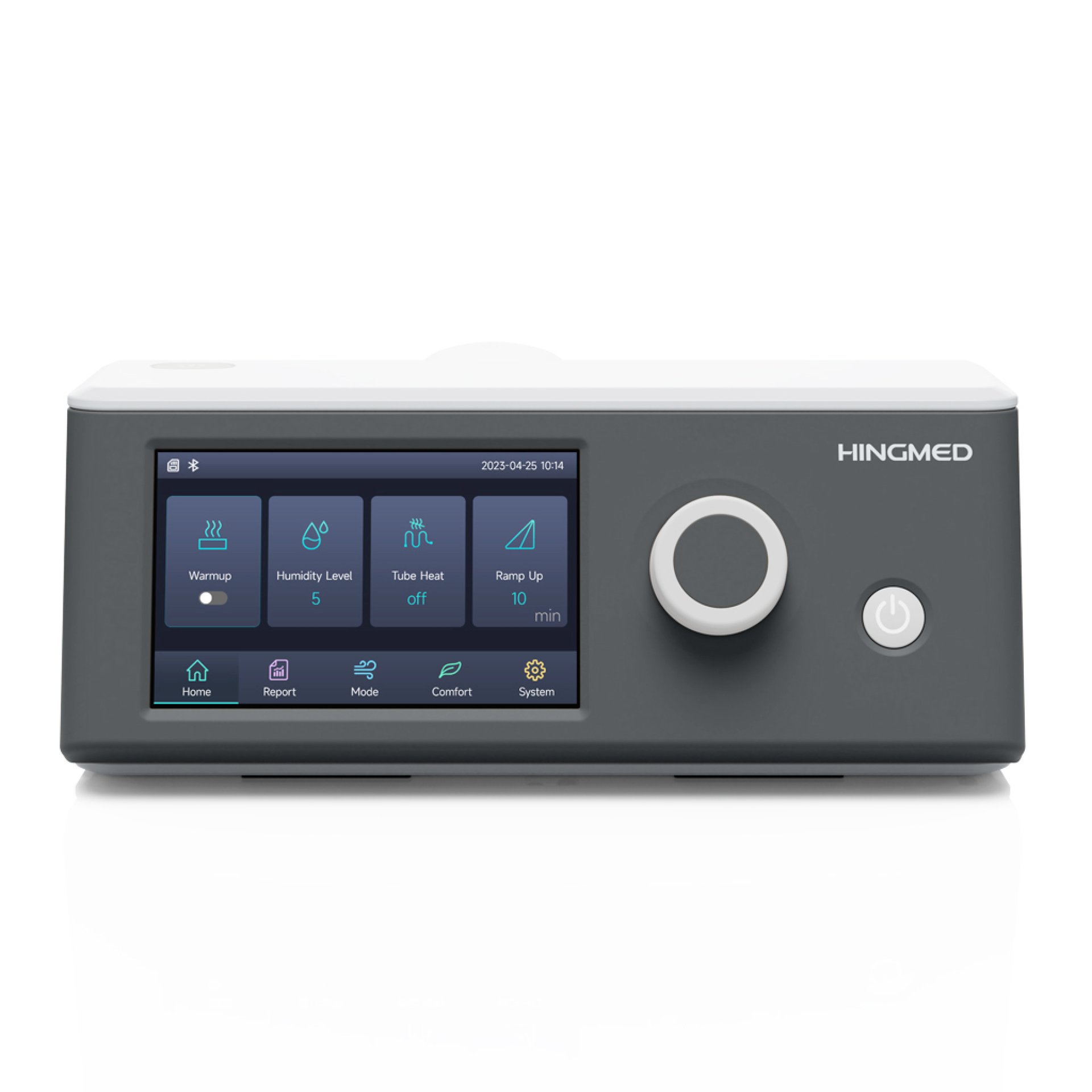
Connection Guide
Download the Hingmed Health application
Available on both iOS and Android.
Open the app and create an account / log in
Required for cloud services and data synchronization.
Enable Bluetooth on your smartphone.
Turn on your Hingmed PAP device.
The device will automatically enter pairing mode.
In the app, select Add Device or Connect Device.
Choose your device from the list
(e.g., HM-B25A / HM-CA20).
Tap Connect.
The system will pair with your device automatically via Bluetooth.
After successful connection:
Usage data will sync to your smartphone and will automatically upload to the cloud platform when connected to the internet.
Download the Hingmed Health application
Available on both iOS and Android.
Open the app and create an account / log in
Required for cloud services and data synchronization.
Enable Bluetooth on your smartphone.
Turn on your Hingmed PAP device.
The device will automatically enter pairing mode.
In the app, select Add Device or Connect Device.
Choose your device from the list
(e.g., HM-B25A / HM-CA20).
Tap Connect.
The system will pair with your device automatically via Bluetooth.
After successful connection:
Usage data will sync to your smartphone and will automatically upload to the cloud platform when connected to the internet.
Related Content

It typically involves contributions made by the insured person.
20 Feb 2024

It offers a payout to your beneficiaries, typically your spouse and children.
20 Feb 2024

What is CPAP? What Does It Treat? | Sleep Apnea & Snoring Solution
9 Apr 2026
